Selected work / Independent product

Eikōn Bible

A connected space for Scripture and study. From the visual identity to the software behind it.

Identity, interface & development · Local AI integration · LLM independent

The experience.

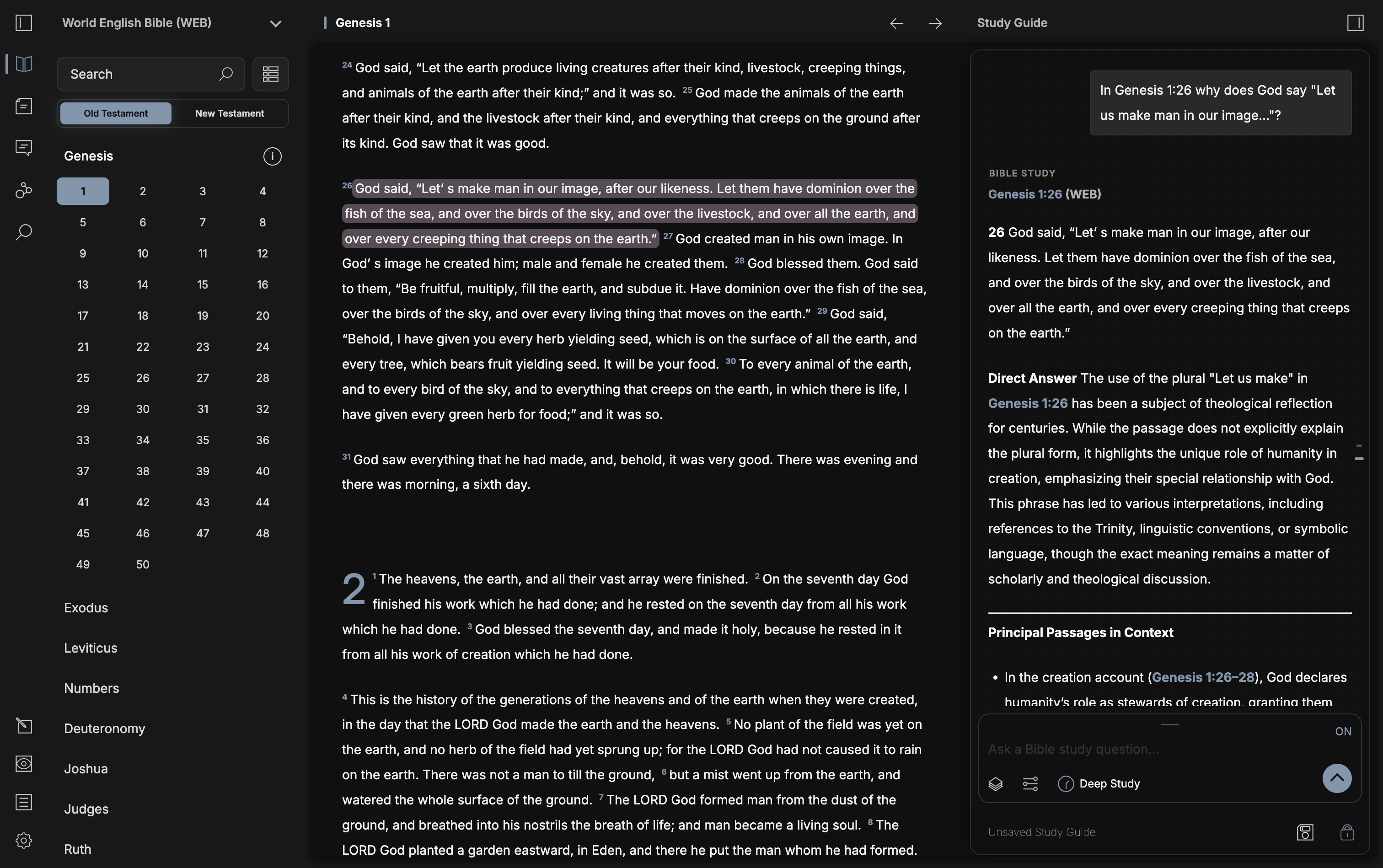
Scripture stays in view, with the Study Guide close at hand.
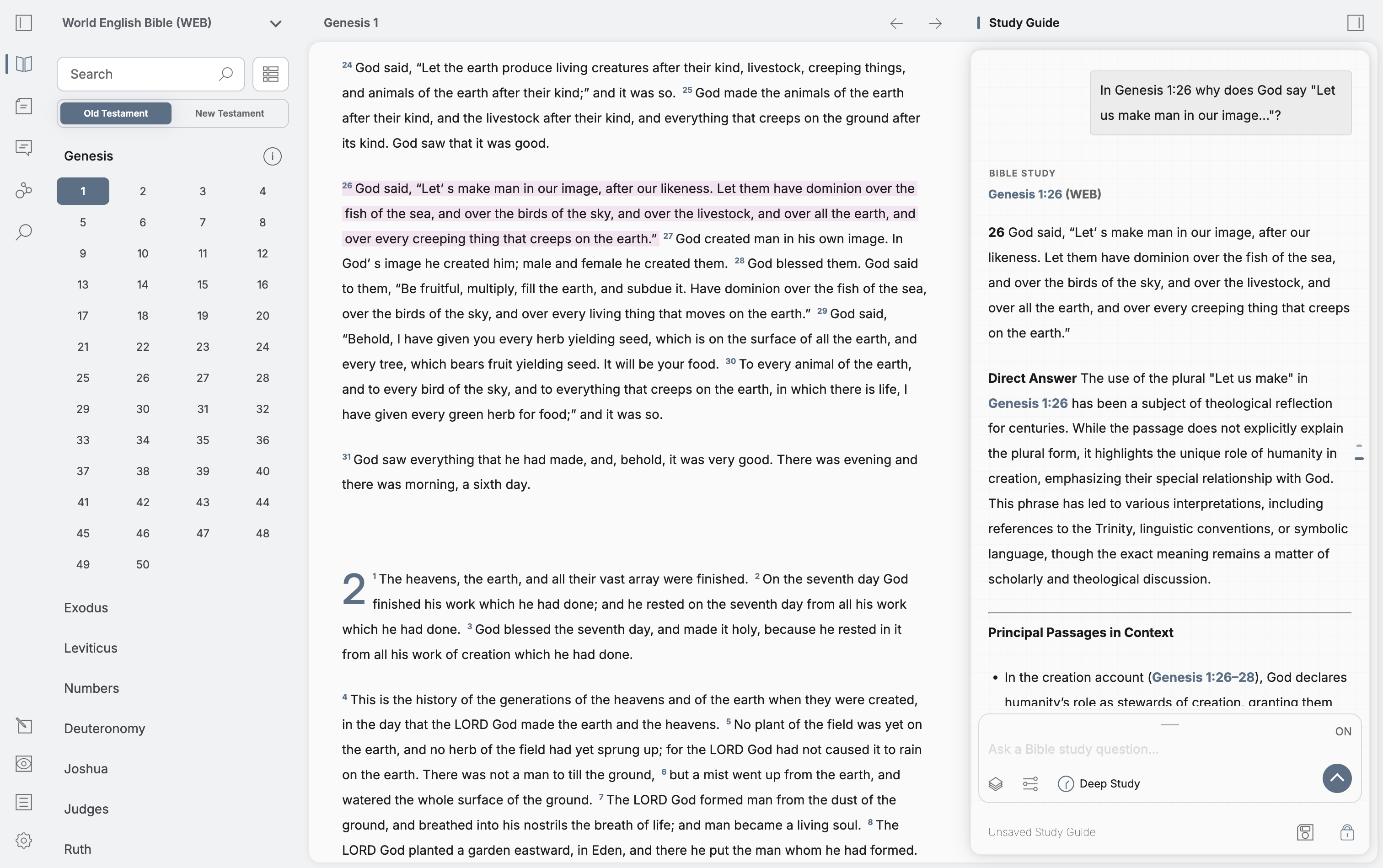
Eikōn Bible light interface with Genesis 1 and a connected Study Guide Eikōn Bible dark interface with Genesis 1 and a connected Study Guide
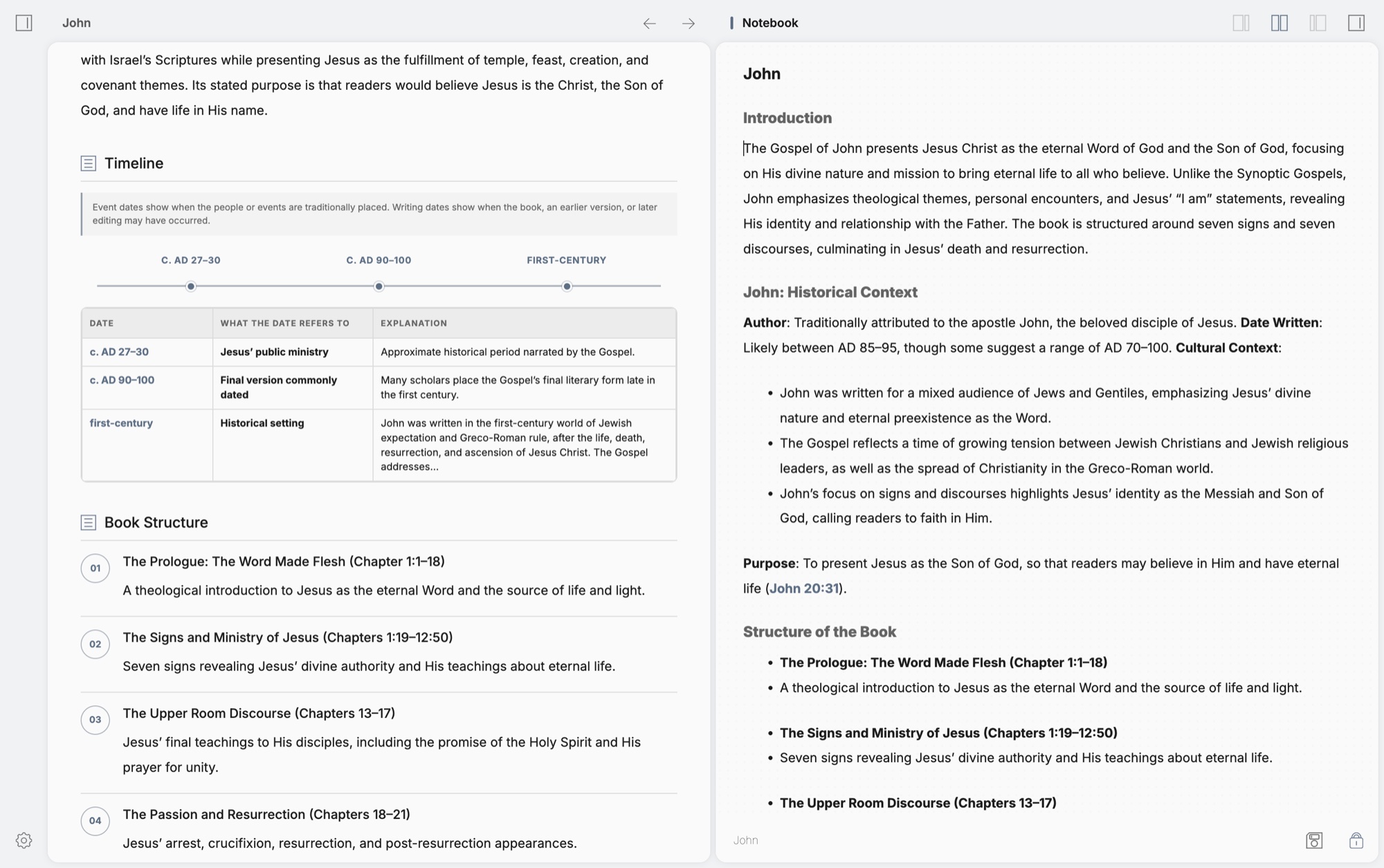
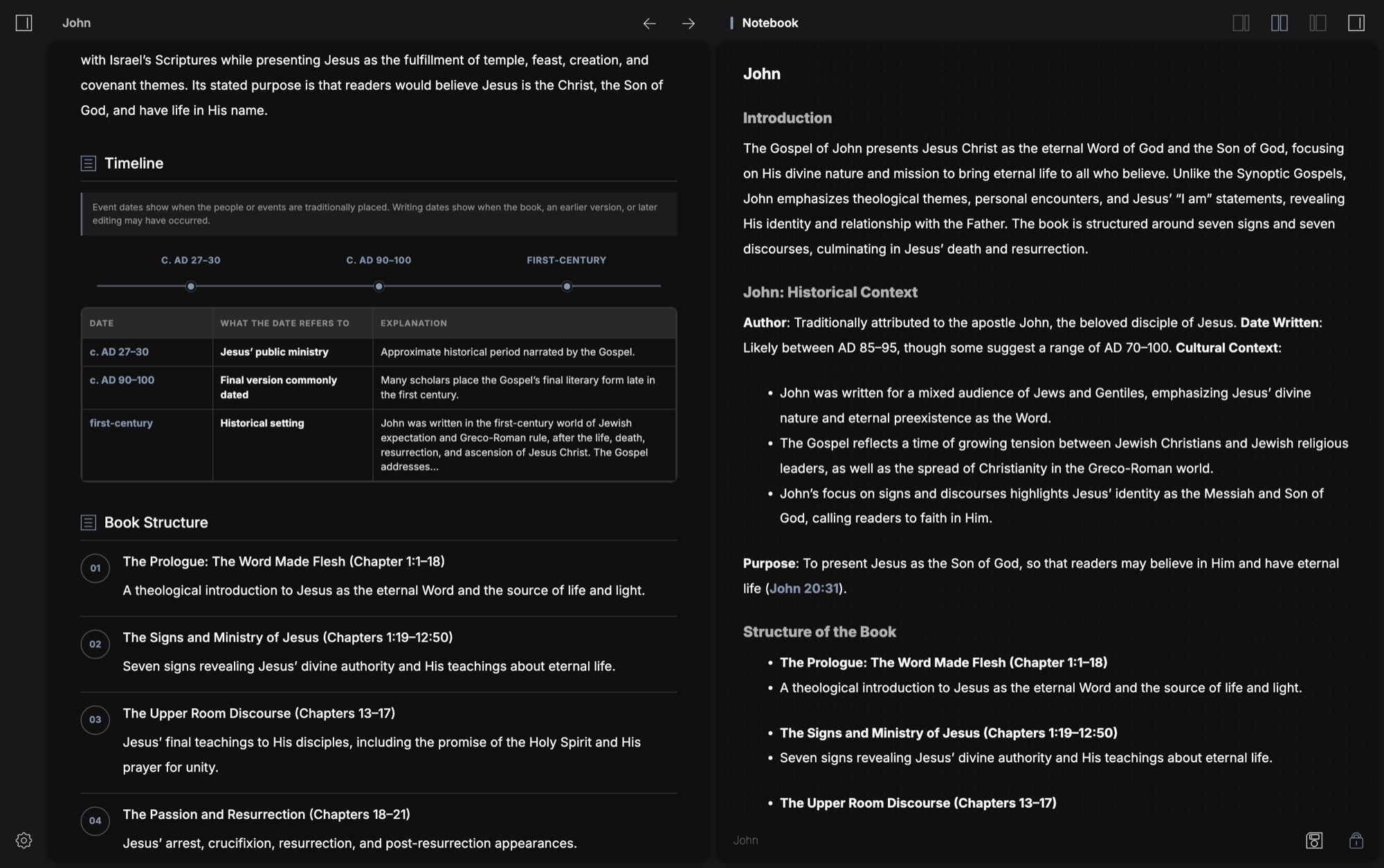
Eikōn notebook beside a timeline and outline of John Eikōn notebook beside a timeline and outline of John

Keep the context. Capture the thought.

Book outlines and personal notes sit side by side, keeping your reflections close to what you’re studying.
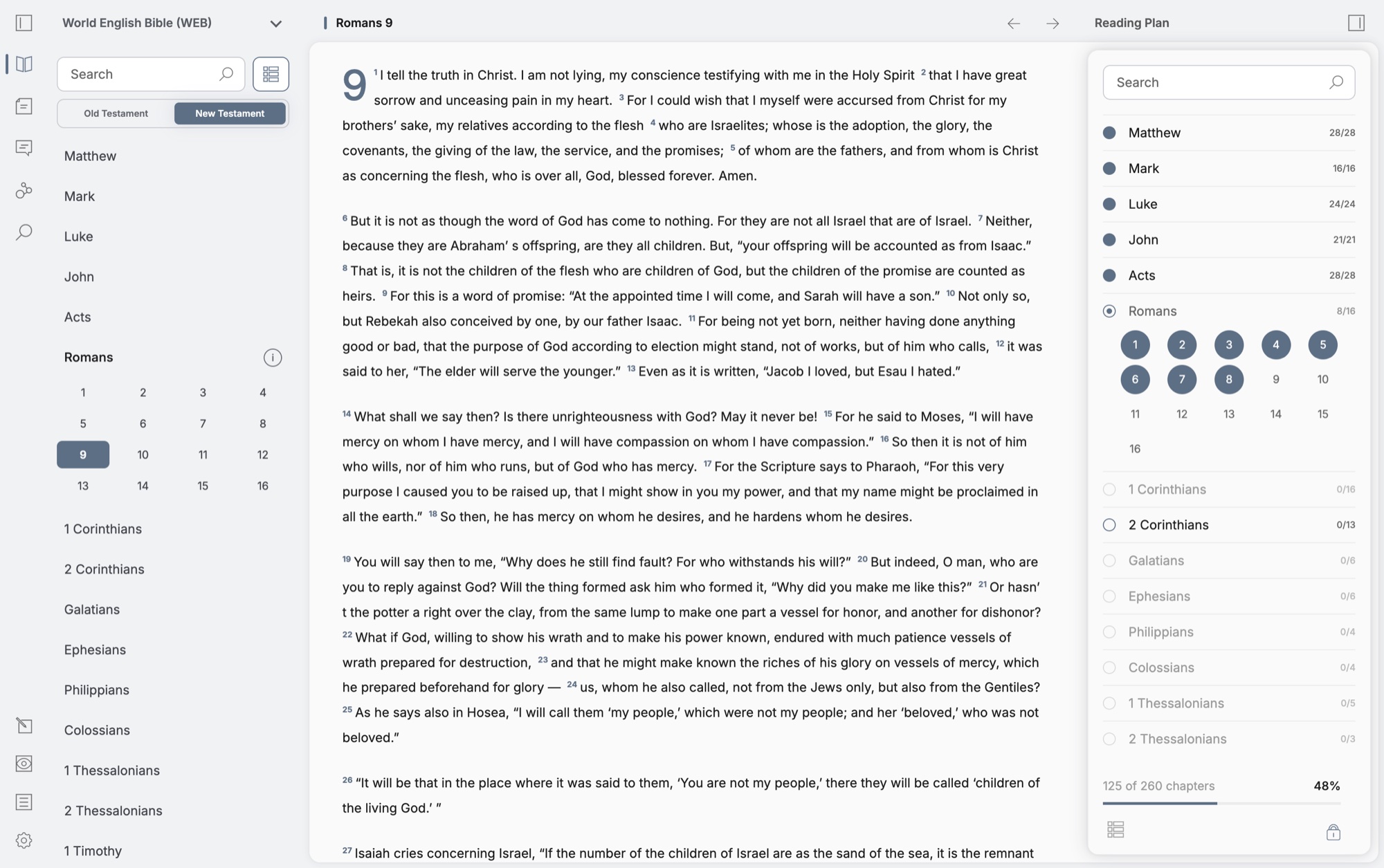
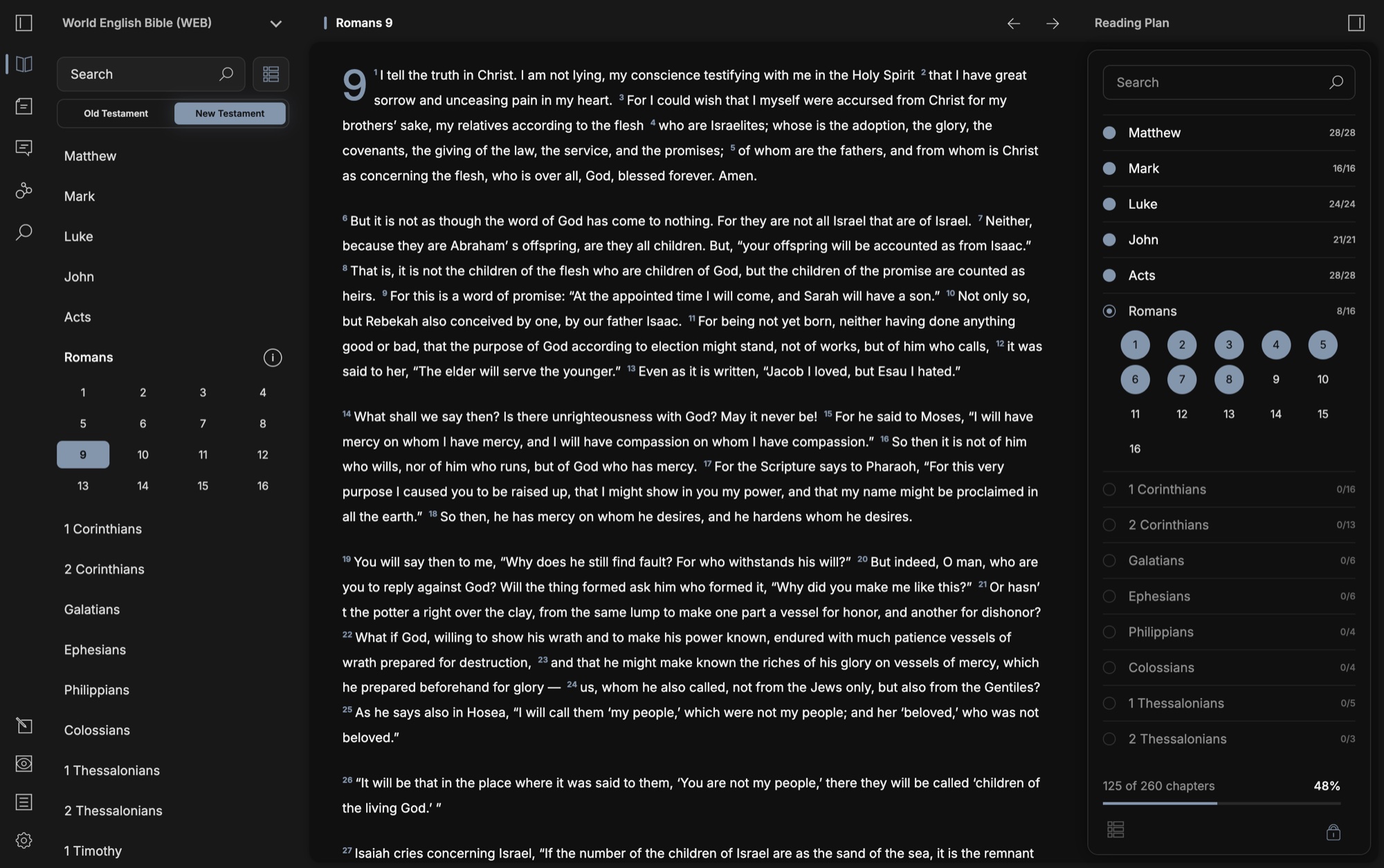
Eikōn reading plan showing chapter progress alongside Romans 9 Eikōn reading plan showing chapter progress alongside Romans 9

A clear place to pick up.

Chapter-by-chapter progress stays beside the text, so it’s easy to see where you’ve been and what’s next.

Beyond the interface, the Eikōn Evaluation Framework explores the quality of AI-assisted study: Scripture handling, evidence, and system behavior.

The identity.

A simple, geometric mark gives Eikōn a distinct identity while keeping the focus on Scripture and study.

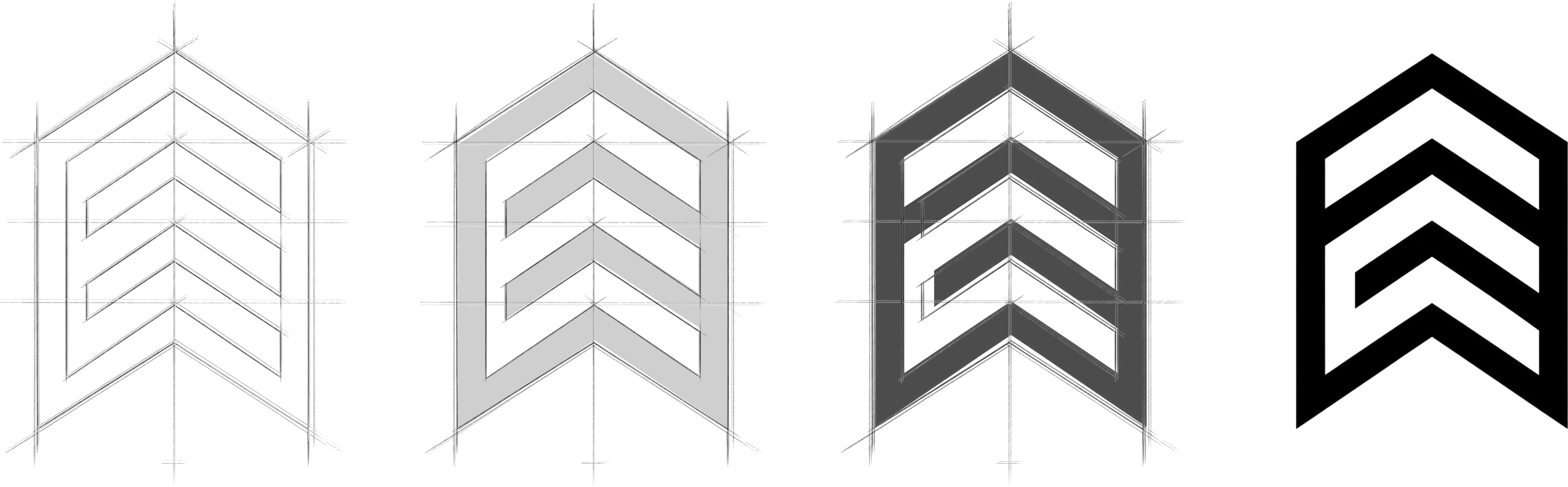
Eikōn Bible Software identity: a geometric mark and a layered view of Scripture, notes, local AI, and study

The website.

A connected product needs a clear introduction. The website brings the workspace, the workflow, and local AI requirements into view.
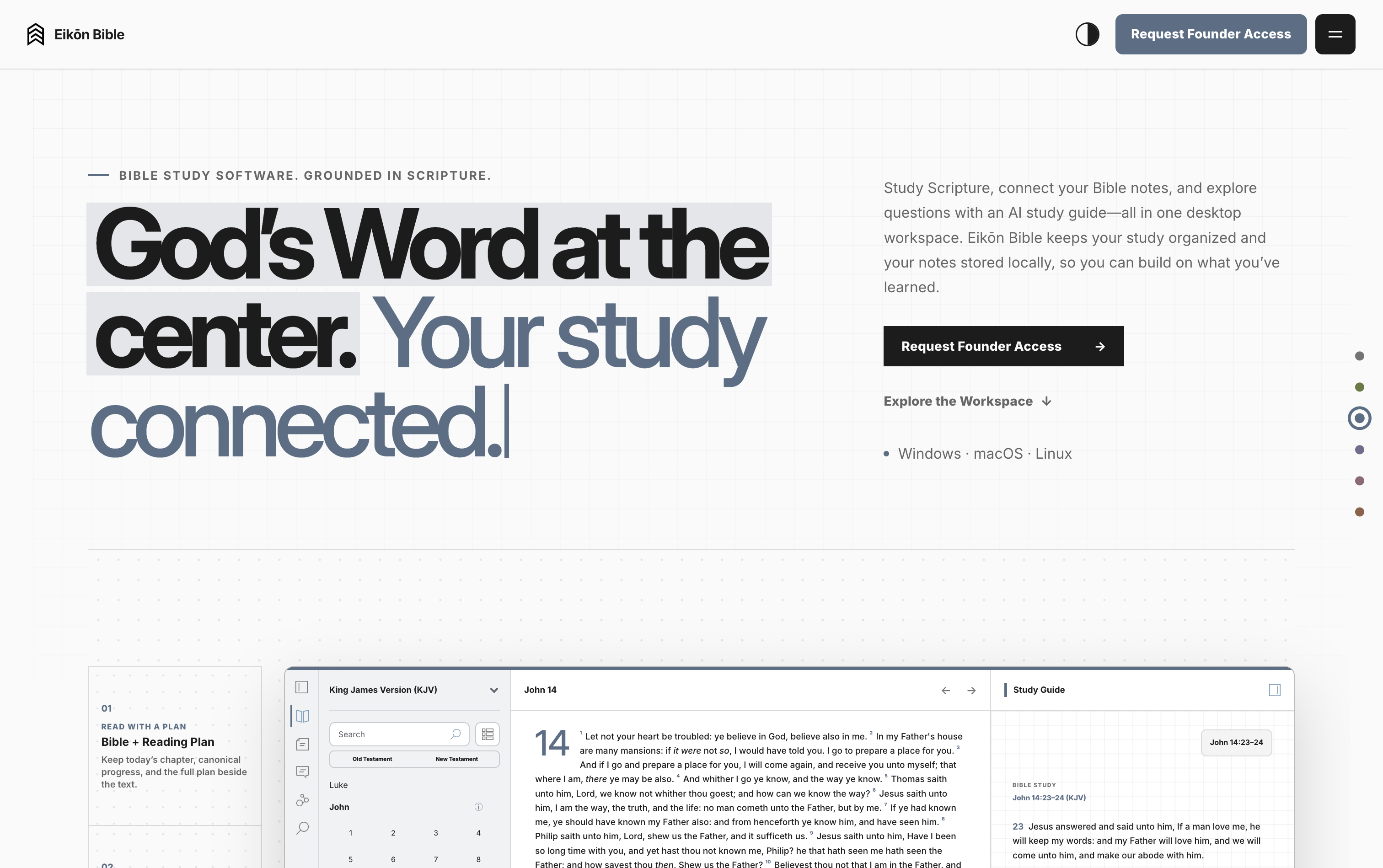
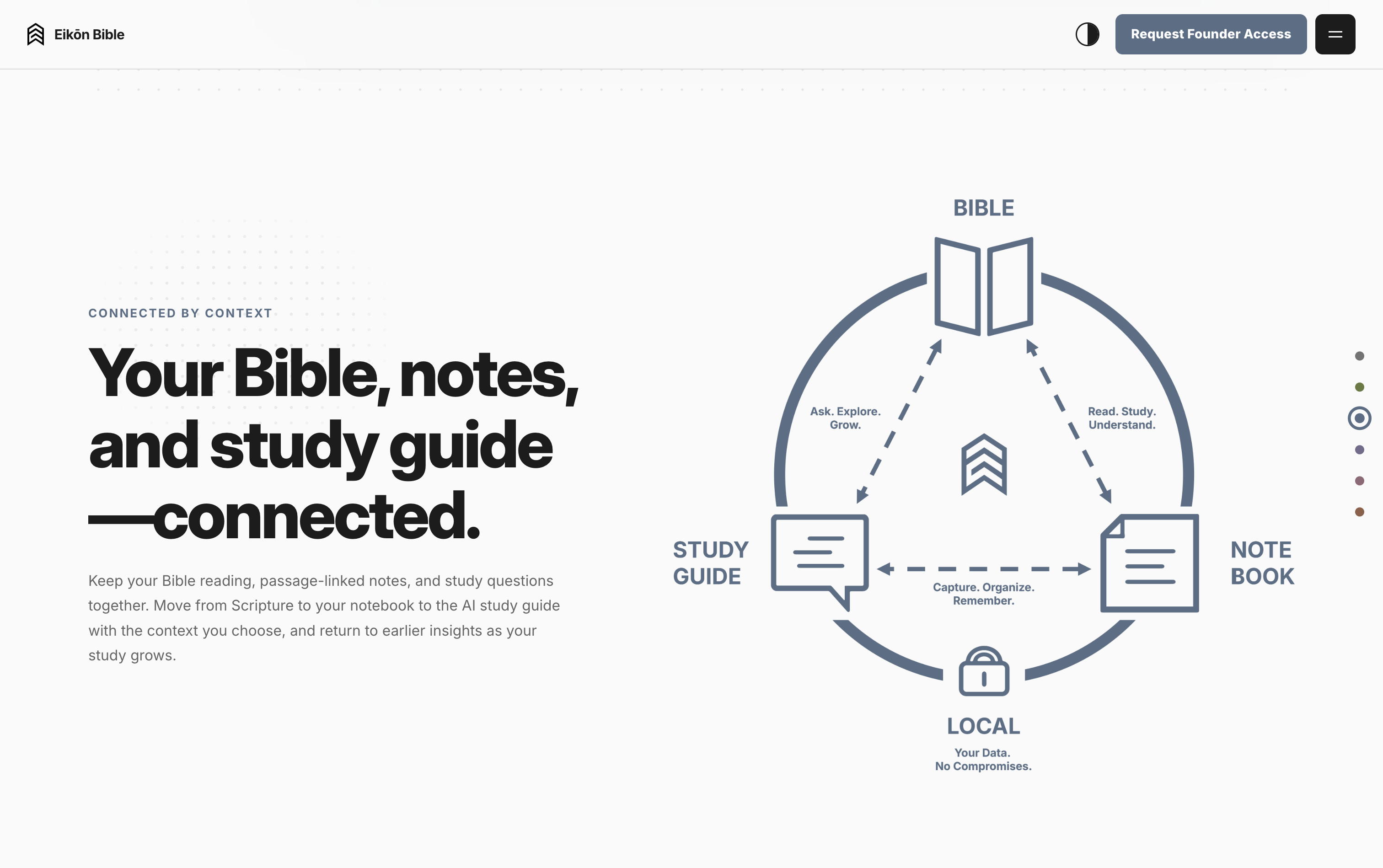
Eikōn Bible website opening with God’s Word at the center and a connected study workspace
Diagram connecting the Bible, Study Guide, and Notebook with local data

Show how it connects.

A simple visual explains how Scripture, notes, and the Study Guide work together.
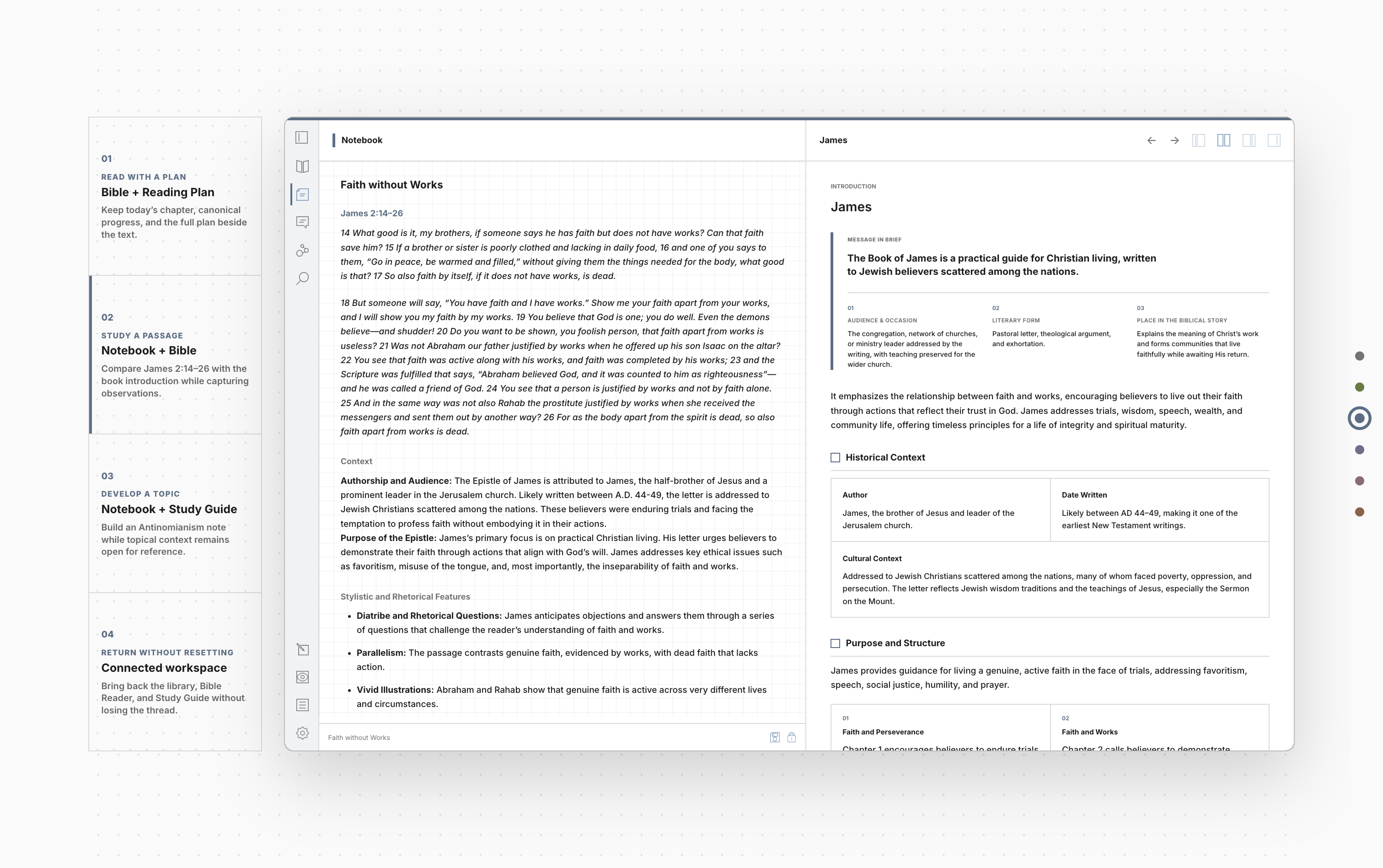
Interactive website showcase comparing a notebook with Bible context

Make the workflow visible.

Examples turn a list of features into familiar study tasks.
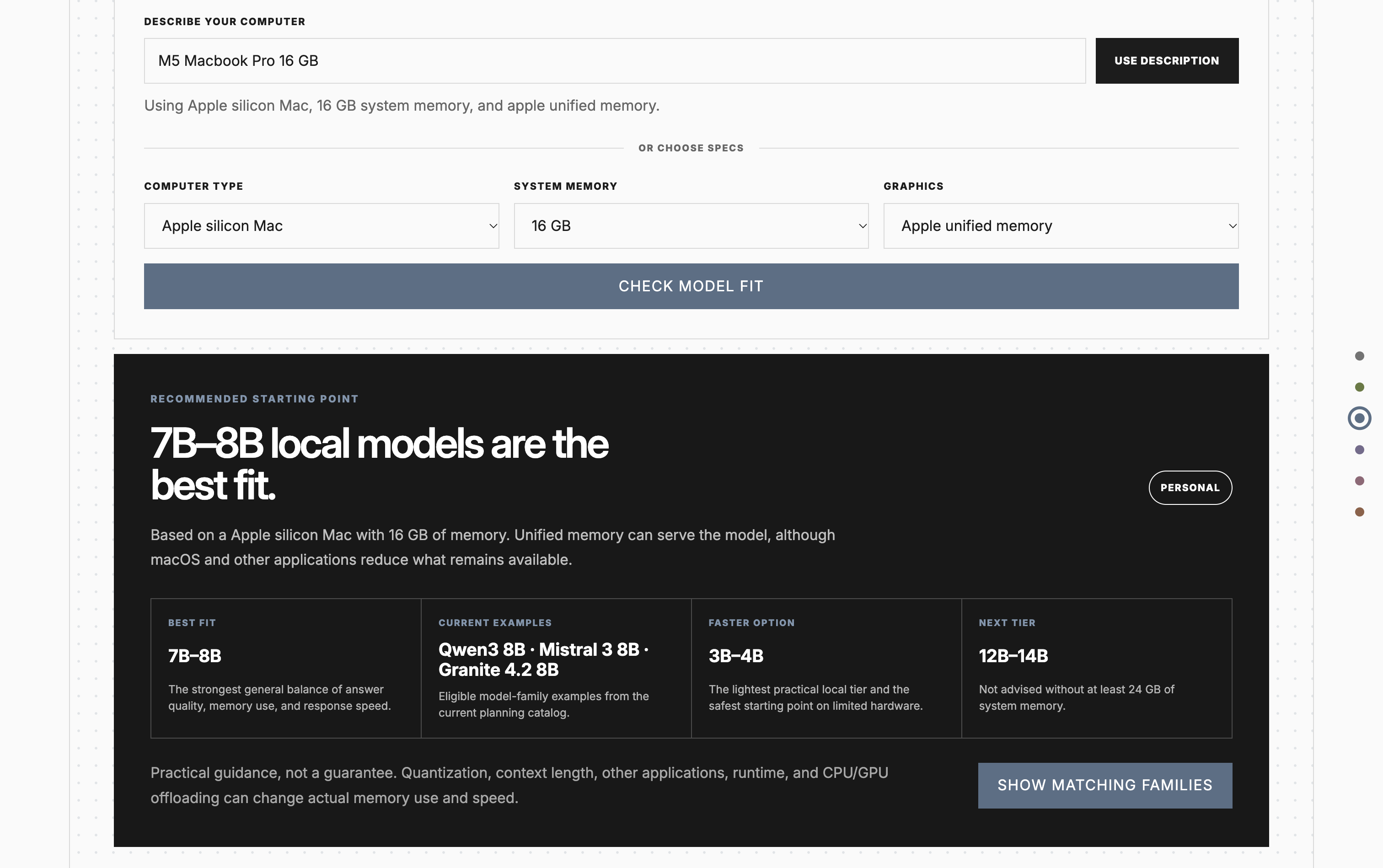
Model fit tool with computer specifications and a suggested local model size

Start with your computer.

Hardware guidance gives visitors a practical starting point for local AI.
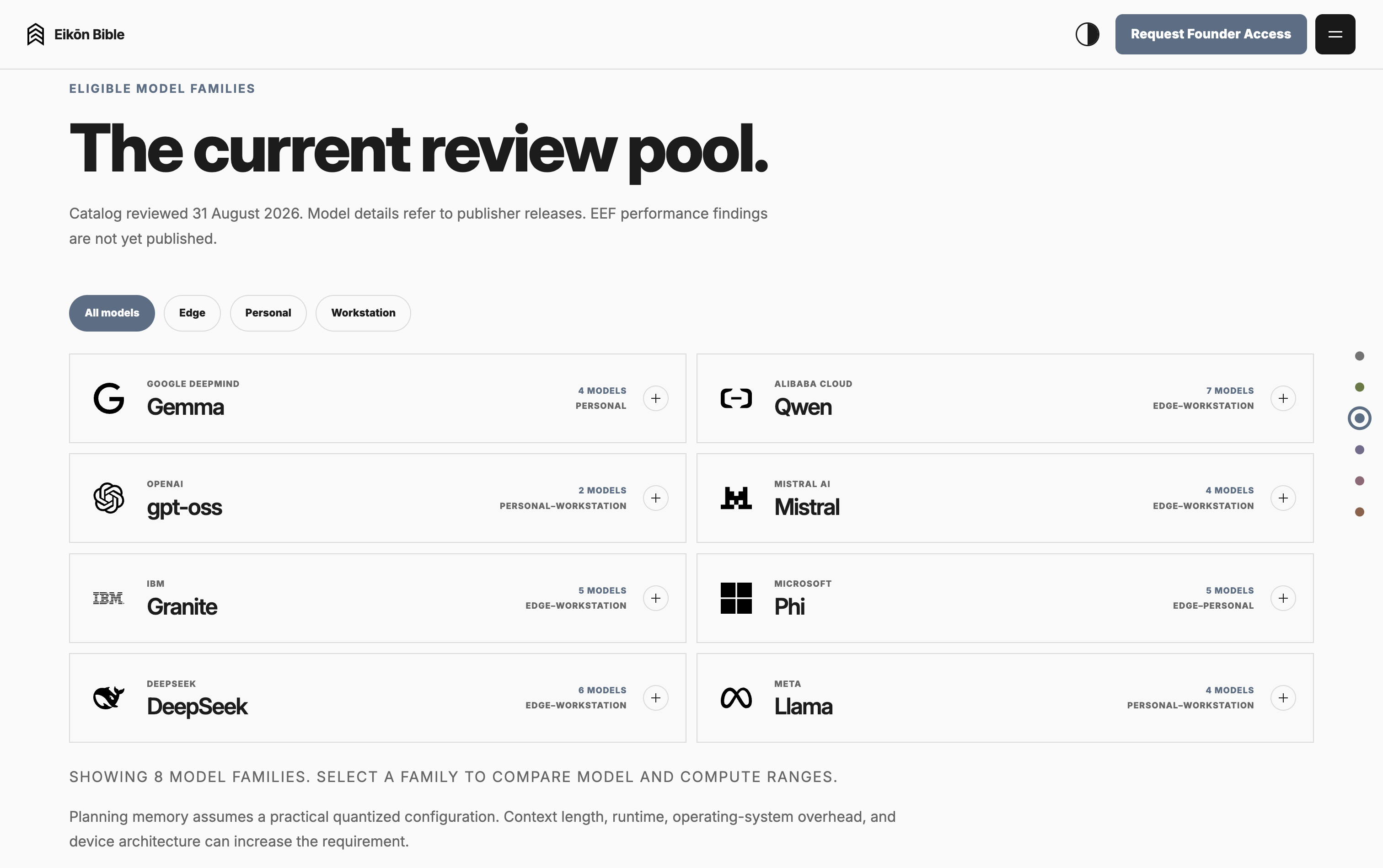
Model family catalog with filters for Edge, Personal, and Workstation hardware

Make the options clearer.

A filterable model catalog helps visitors explore families and hardware ranges.

Your next project

Have something
worth building?

If you’re working through an idea for a brand, a digital experience, or a new tool, I’d like to hear about it.

[ Start something ]

Good things
start with
a conversation.

Tell me what you’re thinking.
I’ll help you find the next step.

Johnglenn GalarceDesigner & developer

Prefer a direct hello?

thepinnaclelab@gmail.com
01 / What are you exploring?

A rough idea is a perfectly good start.

Your message goes directly to my inbox.